Smart Scan + junk cleanup
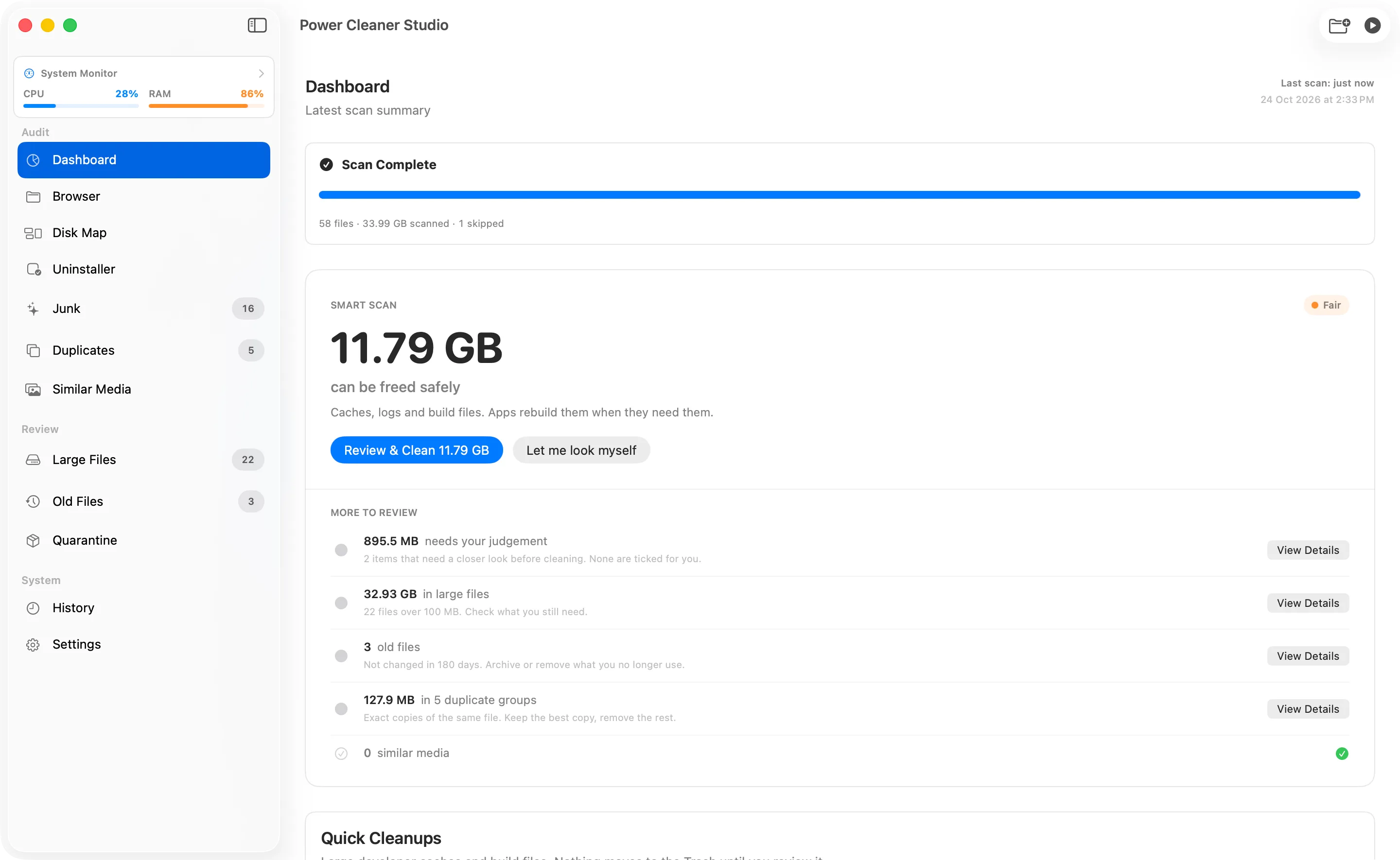
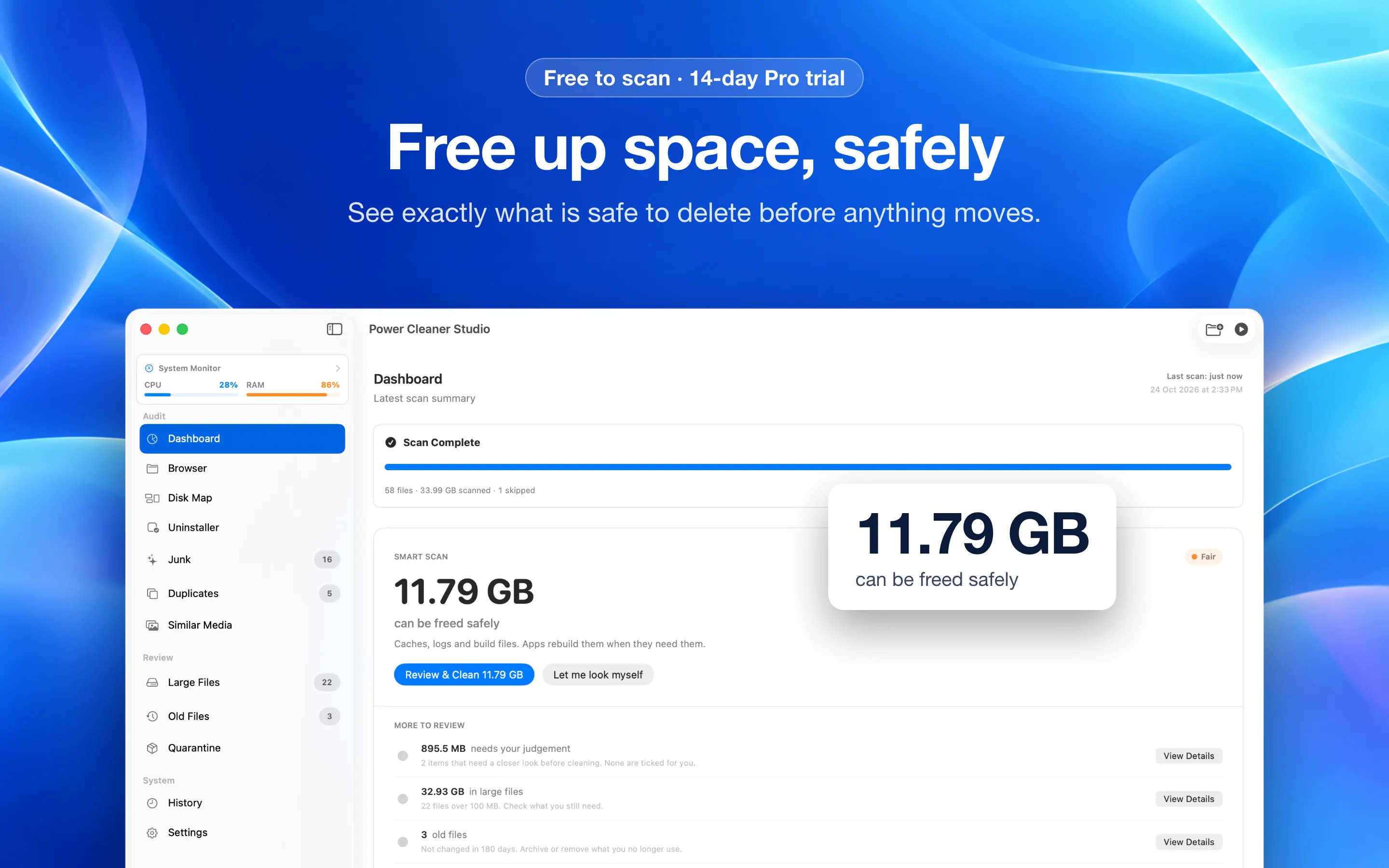
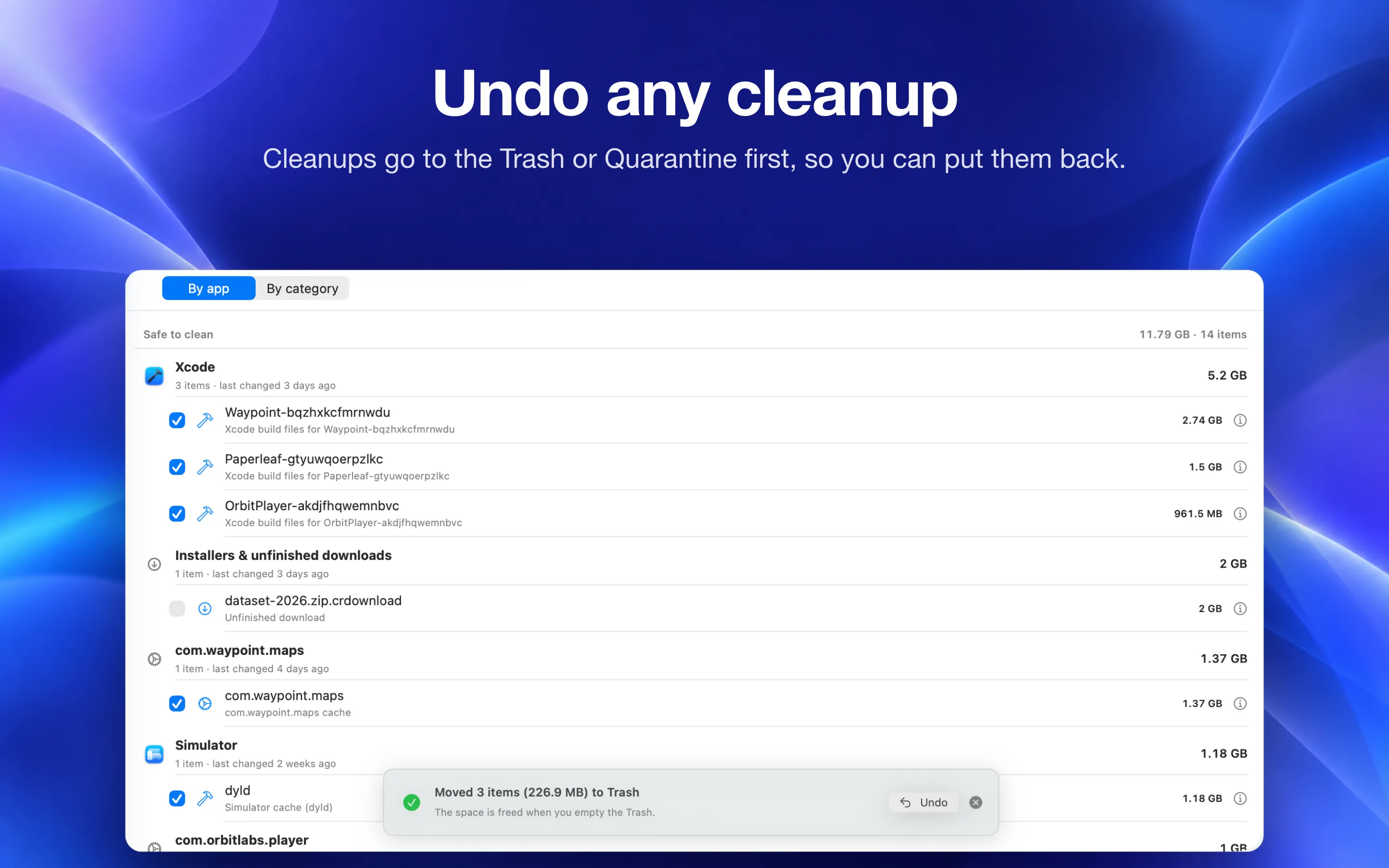
One scan of your Home folder shows how much you can free safely: caches, logs, build files and unfinished downloads. Free, with a review of every item.
Power Cleaner Studio is a Mac cleaner that shows exactly what is safe to delete: junk and caches, duplicate files, look-alike photos and the leftovers apps leave behind. Everything runs on your Mac, and every cleanup can be undone.
Free on the Mac App Store · 14-day Pro trial · then $9 once, no subscription · macOS 14 or later
Each one earns its place. No bloat, no fake "speed up" buttons, no nagware.
One scan of your Home folder shows how much you can free safely: caches, logs, build files and unfinished downloads. Free, with a review of every item.
Exact duplicates matched by content (SHA-256). The best copy is kept for you, and clones and hard links are counted honestly.
Finds look-alike shots and bursts with Apple's on-device image analysis. Nothing is uploaded, and finding them is free.
Removes apps along with the leftover preferences, caches, support files, and login items they hide in your Library.
Xcode DerivedData, archives, simulator caches and developer package caches in one step, with a review before anything moves.
Built-in Model Context Protocol server lets Claude Code, ChatGPT Desktop, or Cursor read your scan results. It accepts connections from this Mac only and keeps its token in your Keychain; cleanup tools are part of Pro.
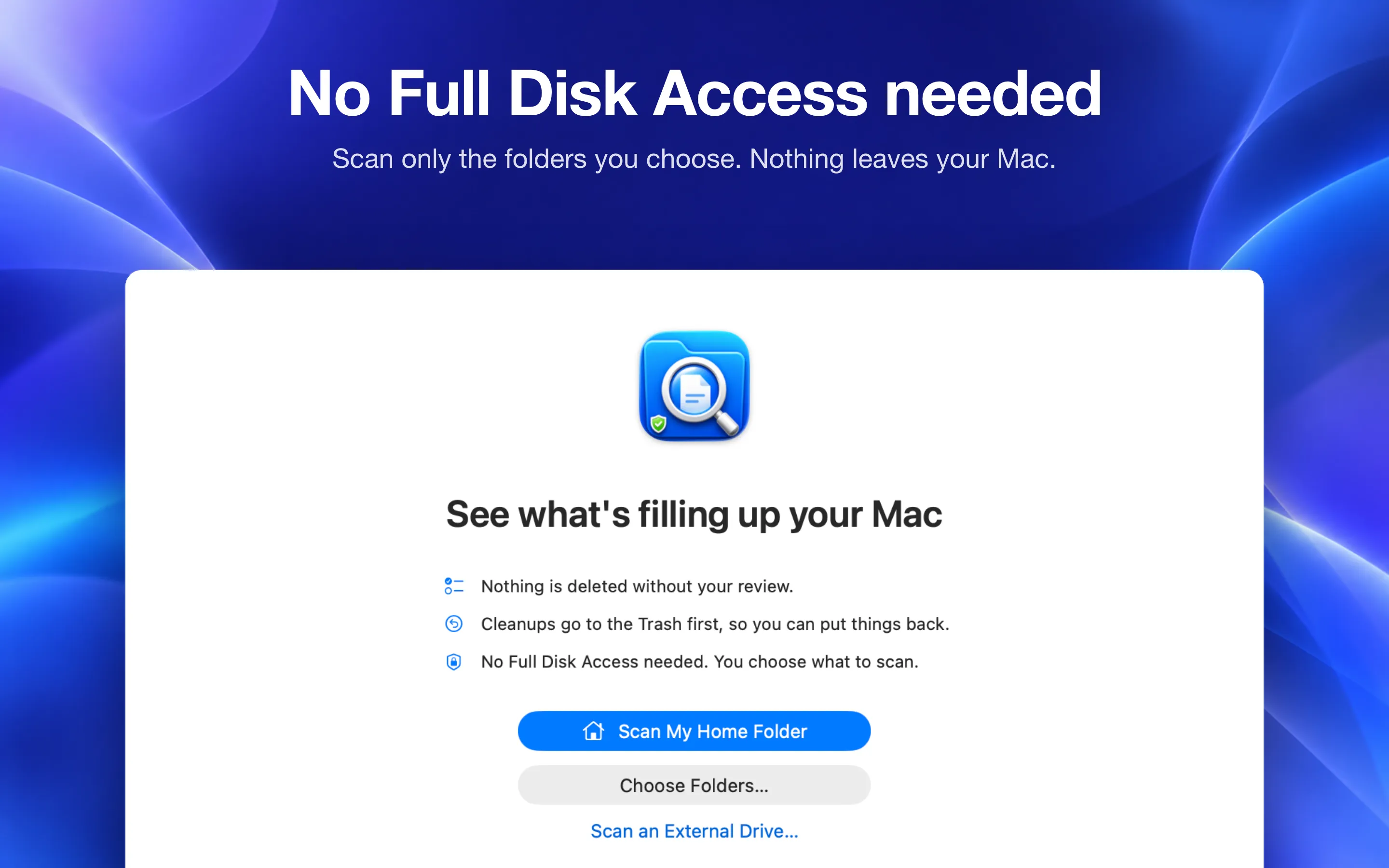
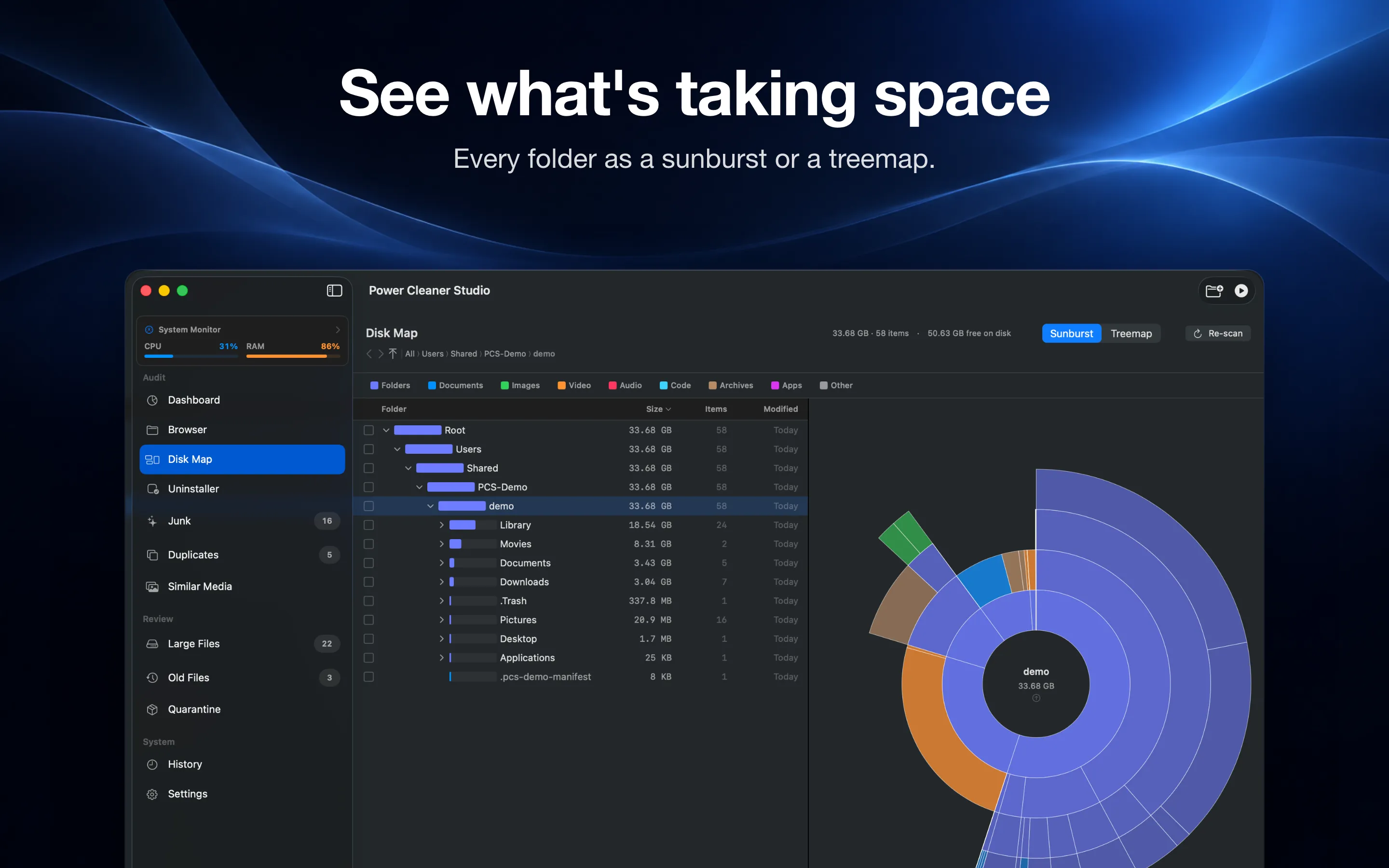
Real screenshots of Power Cleaner Studio 1.2, the same ones on the Mac App Store. Captured on a demo folder, so no one's real files show.
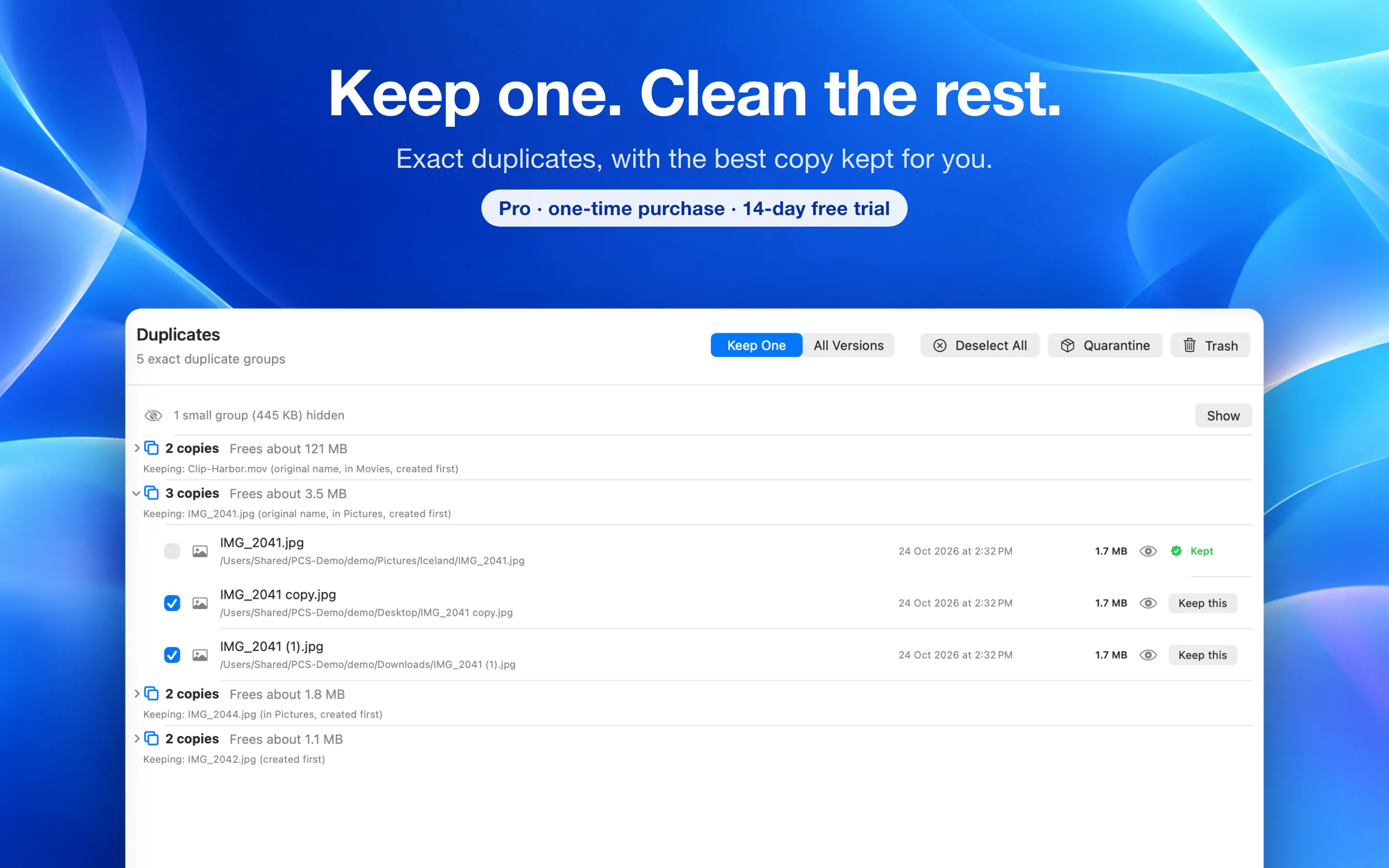
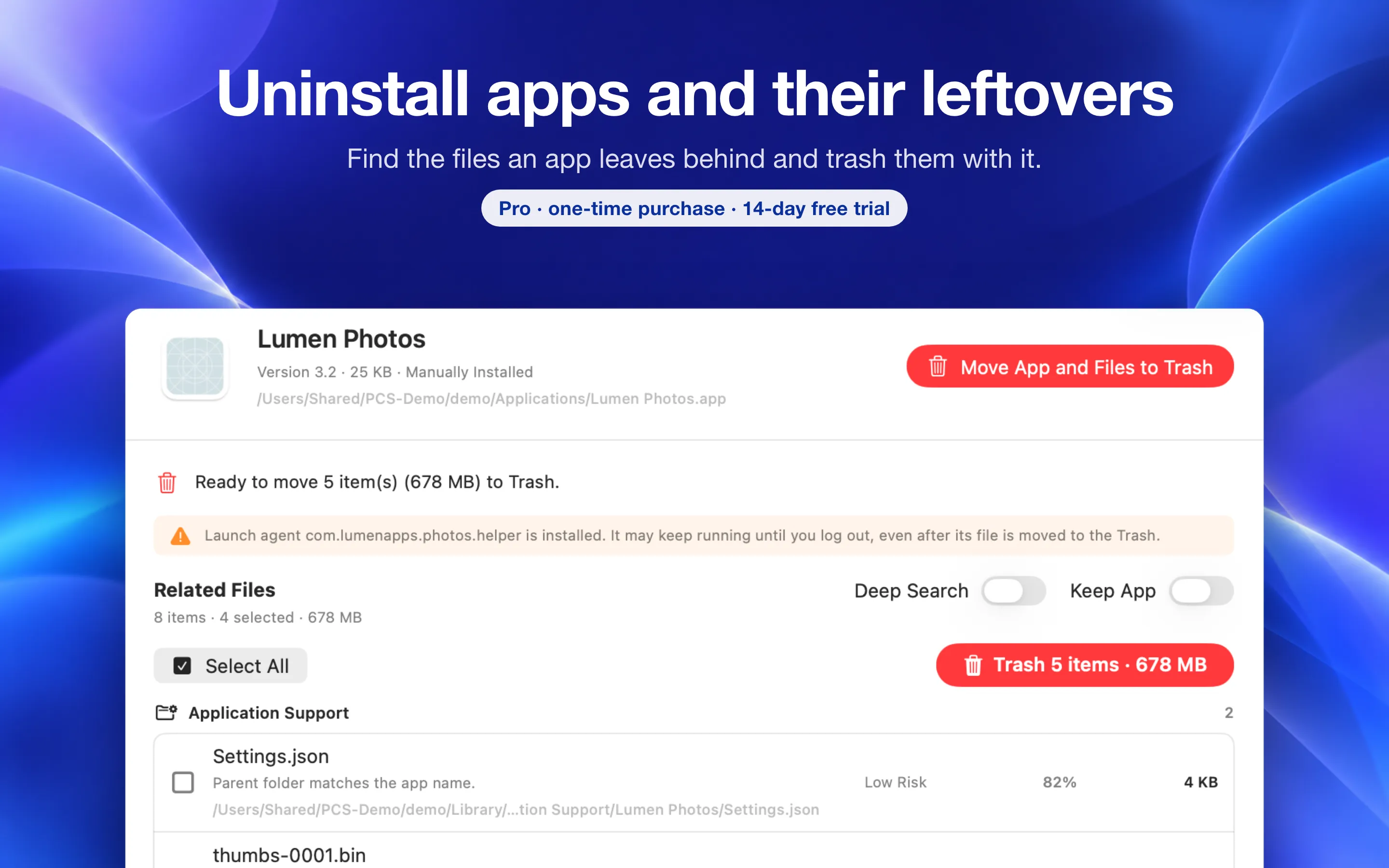
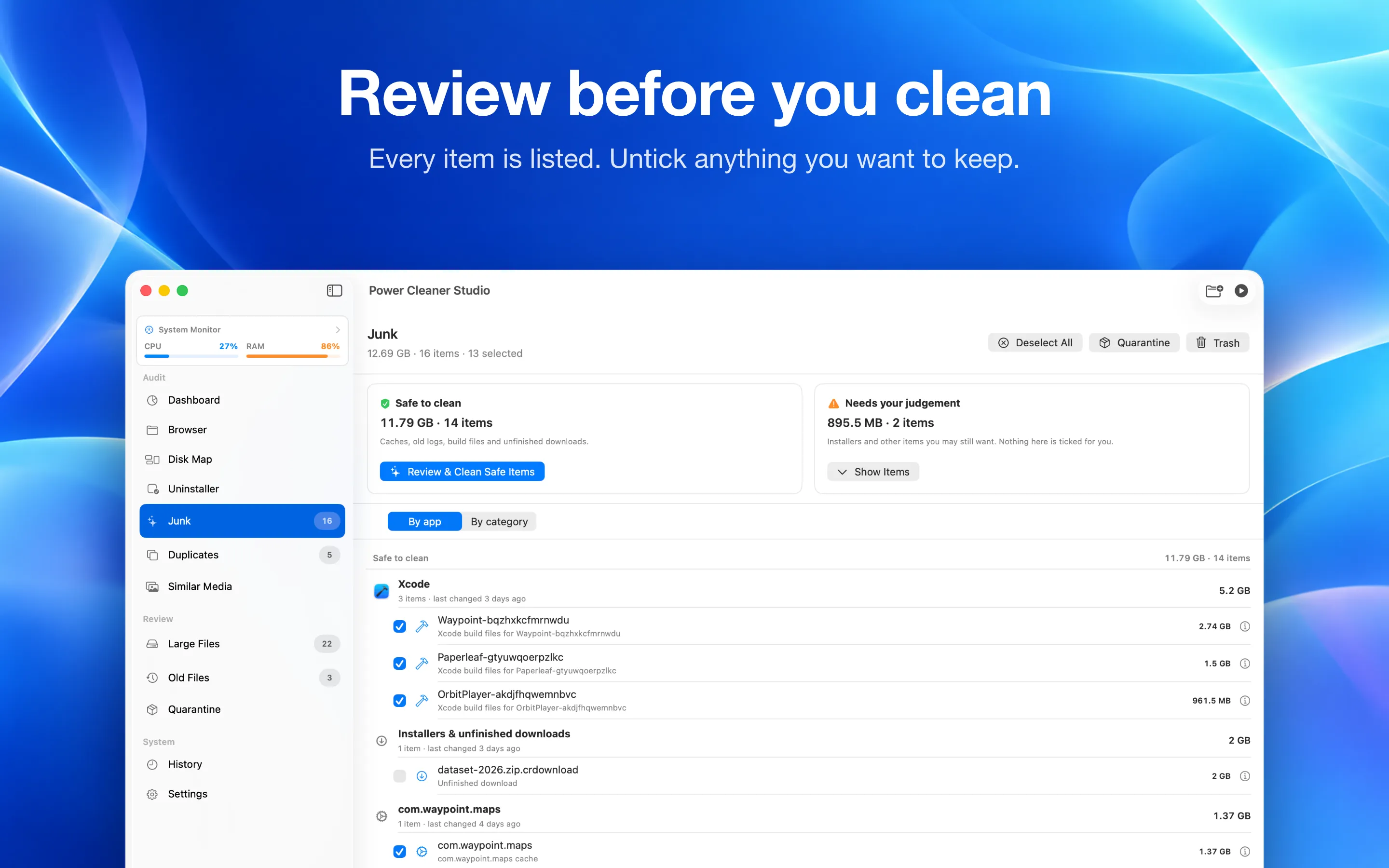
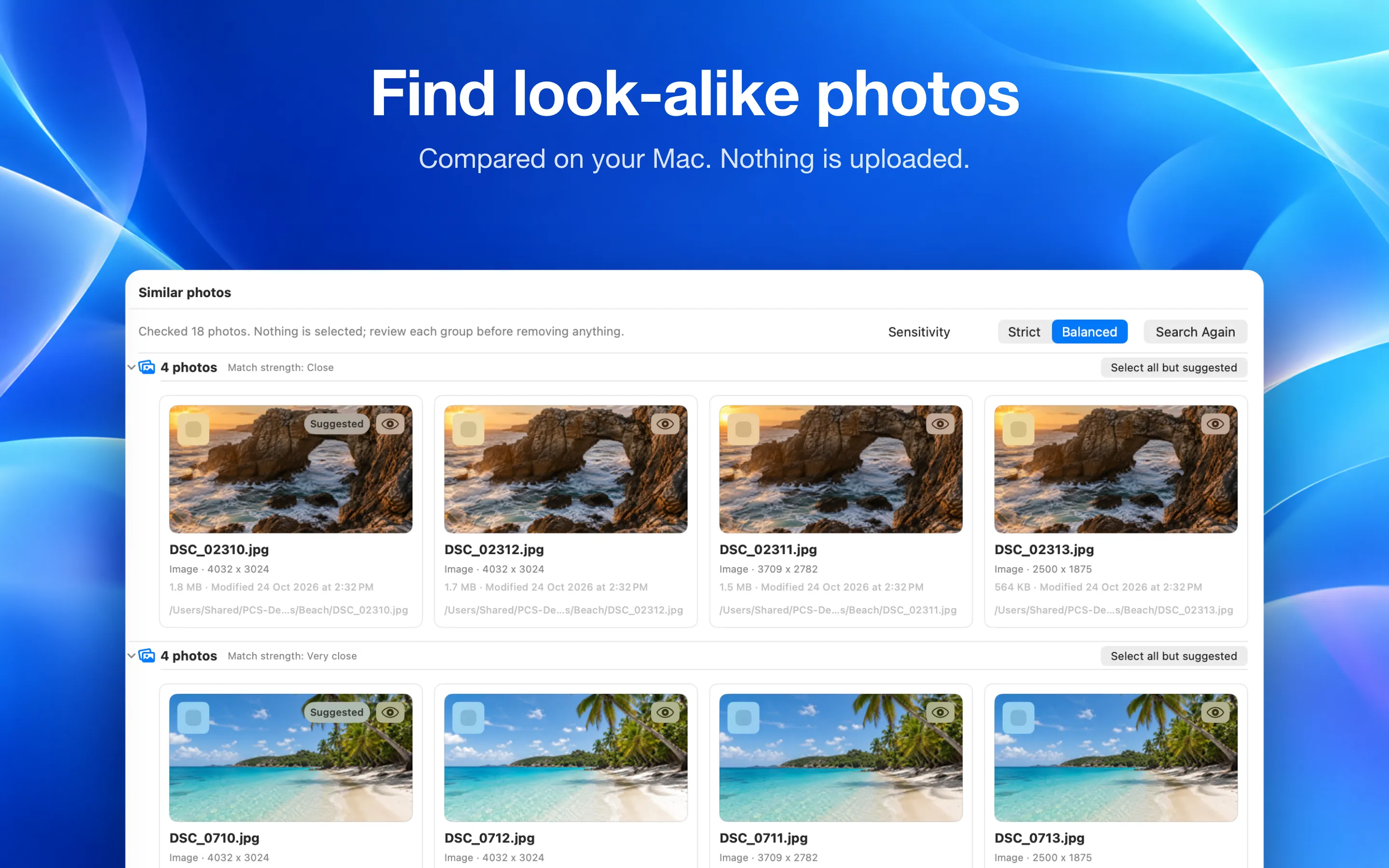
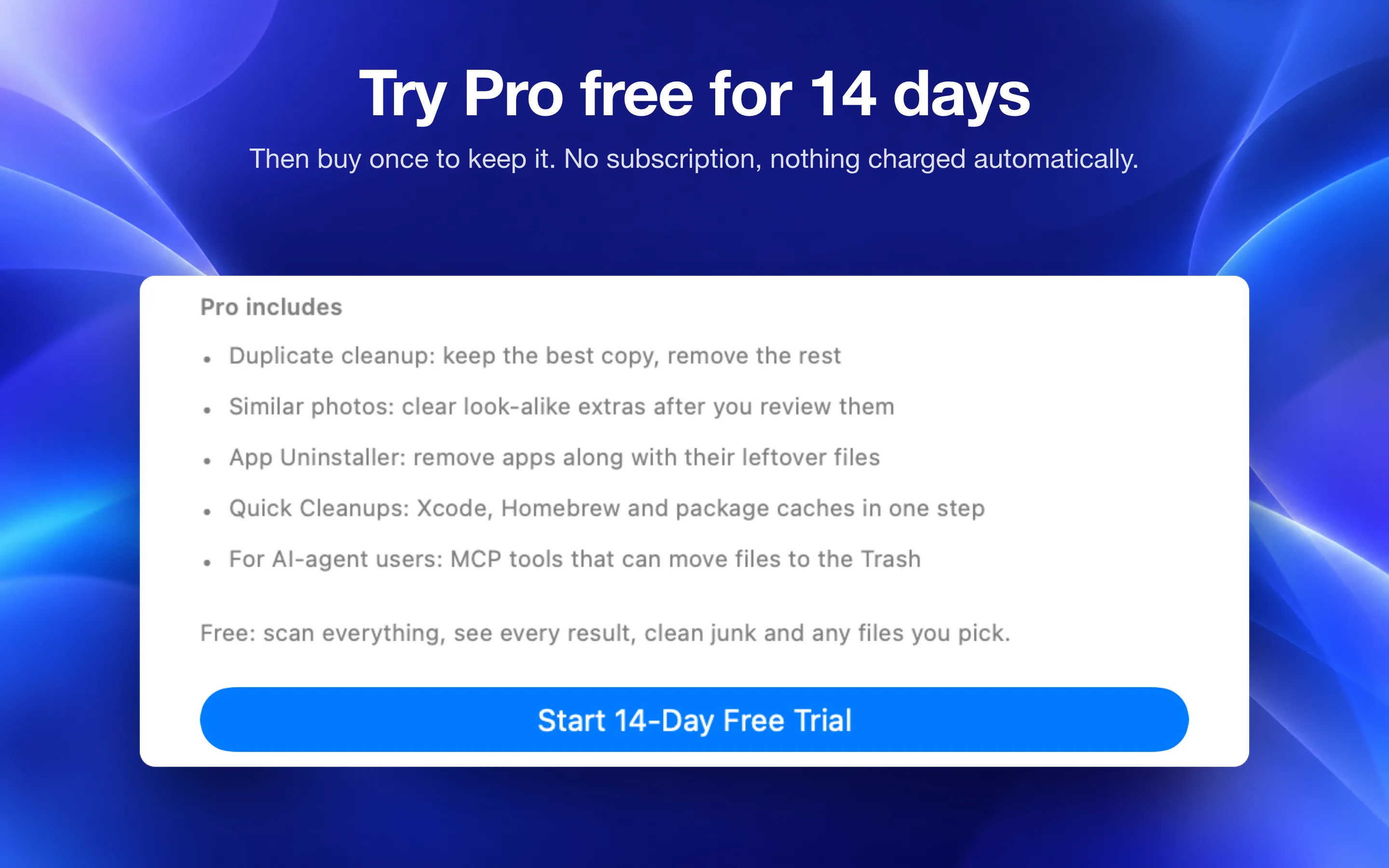
Clean duplicates, clear look-alike photos, uninstall apps with their leftovers and run Quick Cleanups for two full weeks. When the trial ends, Pro features lock again unless you buy Pro once. No subscription, and nothing is charged automatically.
The trial is a free in-app purchase on the Mac App Store. Then $9 once to keep Pro.
No analytics SDK. No tracking pixels. No "share usage data" toggle hiding a Mixpanel client. Power Cleaner Studio doesn't have a server — it can't phone home because there's nowhere to phone.
Read the full privacy policy.
Data we collect
Absolutely nothing
| Account | None — no signup |
| None | |
| Analytics | None |
| Crash reports | None from the app |
| Network calls | MCP listener (local only) |
No subscription. No tiers. Try Pro free for 14 days, then buy once on any Mac, unlocked on every Mac.
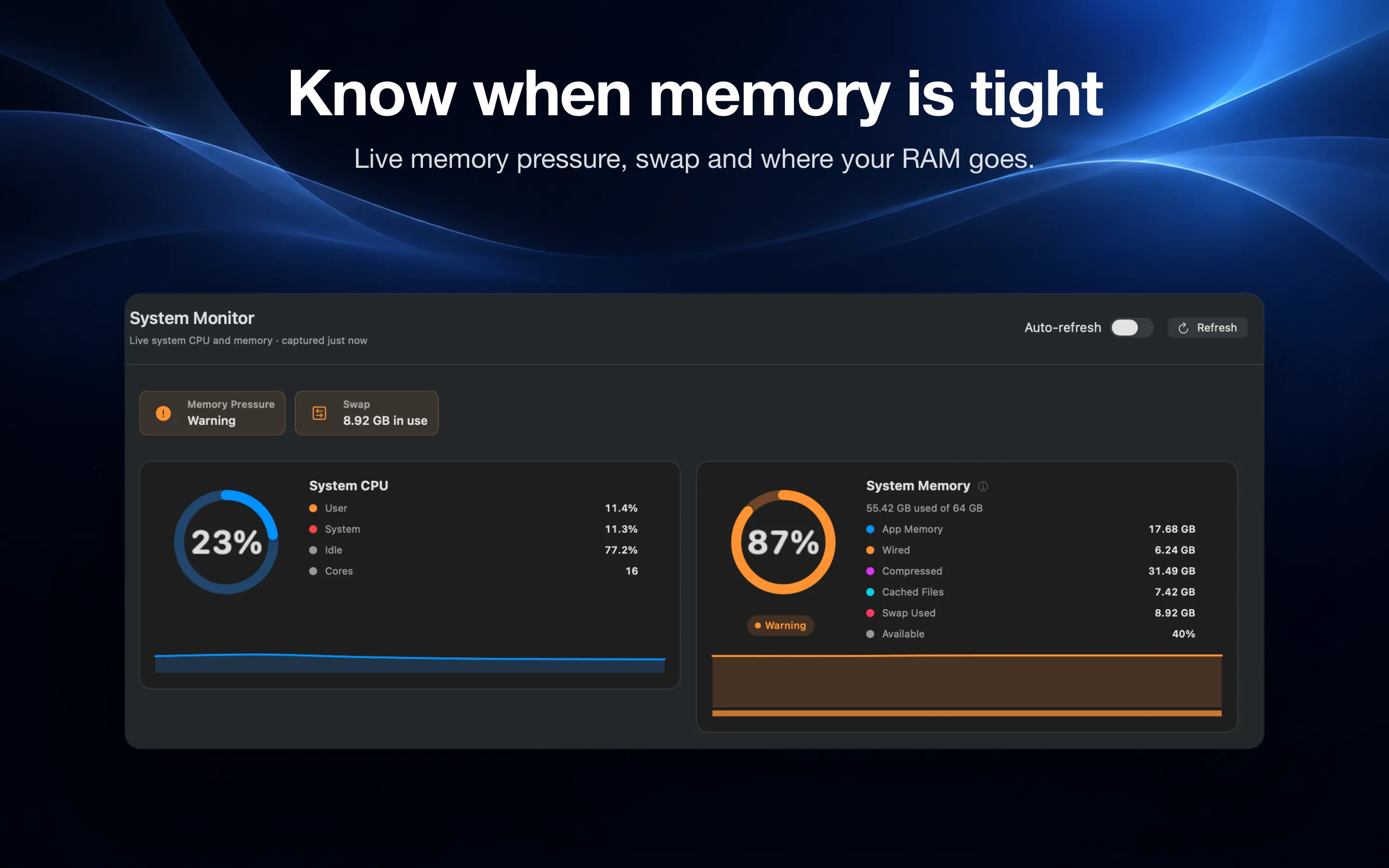
Everything you need to see what's on your Mac.
Free for the first 14 days. Then buy once to keep the Pro cleanup tools.
In-app purchase through the Mac App Store. The 14-day trial is free and never converts to a charge. No subscription. Refundable via Apple.
Honest, side-by-side comparisons with the Mac cleaners, disk analyzers, uninstallers and duplicate finders people switch from, including where each one is the better choice.
Yes. Download Power Cleaner Studio free from the Mac App Store, then start a 14-day free trial of Pro inside the app. Every Pro feature unlocks for 14 days. Nothing is charged automatically: when the trial ends, Pro features lock again unless you buy Pro once for $9. Scanning, junk cleanup, Disk Map and System Monitor stay free.
One-time. $9 unlocks every Pro feature on every Mac you sign into with the same Apple ID. No subscription, no renewals, no email signup.
Run Scan My Home Folder. Smart Scan groups what is safe to remove (caches, logs, build files and unfinished downloads) and shows the total. Review the list, untick anything you want to keep, and clean. Items go to the Trash or Quarantine first, so Undo puts them back.
No. Every scan, hash, and analysis runs locally. There is no analytics SDK, no telemetry, no cloud upload. The optional MCP server only listens on localhost.
No. We work inside the folders you grant via the standard macOS file picker — Downloads, Documents, your scan roots. The Mac App Store build is fully sandboxed.
Defense in depth: every destructive call goes through a path policy that rejects critical paths (/System, ~/Library/Mail, ~/.ssh, etc.), MCP cleanup tools refuse anything not in the last scan report, and every cleanup goes to the Trash or Quarantine first, with Undo in the result banner and History.
macOS 14 Sonoma or later, Apple Silicon or Intel. No background helper, no kernel extension.
Free download. Try every Pro feature free for 14 days, then $9 once. No subscription, ever.